Tuesday, October 23, 2012

Summary of Day 1 - Off To A Fast Start

Soles of trainers.Upon completing day 1 you will have started on some very important basics of being a pretty good genealogist.

You will have been assigned to start gathering information and building a pedigree chart.

Your signing up for FamilySearch and Family Tree opens the door for some cool experiences tomorrow.

It doesn't matter that each of you has a different experience level, a different knowledge base, and a different learning ability.

You might be a whiz and accomplish day one in a short time, or it might take a while. I do suggest you follow these steps. Leave a comment if you want a particular  problem you are having addressed, I will be glad to respond.

Monday, October 22, 2012

See What Family Search Has For You - Part of 10 days to becoming a fairly good genealogist

FamilySearch.org is the best place to start looking for records of your ancestors. 

Your Day 2 assignment is to see what you can find on each of the ancestors you have on your 5 generation chart. This can be interesting and fun. You may find them in a census. Study it if you do. You might find 
a birth, death, or marriage certificate. Some death certificates are full of family information. Its fun.

When you find a document or record, save it to your source box. 
You will learn more about the source box at a later days training. 

Y

This video gives tips on using FamilySearch.org Learn how to get started for free using the resources and records available at FamilySearch.org, the largest organization dedicated to the preservation of genealogical records and promotion of family history. FamilySearch is a non-profit organization dedicated to help everyone discover their ancestors Category:

My Current Internet Search Log


You can go to http://Slideshare.net/  and print this form. The important thing is to easily keep track of what searches you used and the results. This form is giving me 26 searches on 1 form with space to note if there was a record found and to note if I attached a source to the tree.

Friday, October 19, 2012

Day 1 Goal

GoalsI propose you have two goals: The initial goal is to document as much as you can about your first 4 generations of ancestors.

This could take up our 10 days to being a pretty good genealogist.

Or, if you are like one of the new missionaries, you will be from a country where that is an impossible goal.  She is using the time here in training to write her own family history.

Later I will refer you to having a research plan. This will emphasize working on a small project. Picking this will be your second goal.

For your 10 day plan I will encourage you to cover a lot of ground with me. We will be exploring a lot of techniques for research as we do this.

You might also decide what you hope to accomplish. For our new missionaries we want them to go home and be an asset in Genealogy/Family History for their community, their church, and their family.

I started because I got the bug through a sunday school class on genealogy. I saw how fun it was to find people I was related to. I then decided it was a great Sunday activity. I would spend hours just doing family history work.

You don't have to start out with a huge expectation or by being intimidated. There are so many resources now, it won't take you more that 10 days to be confident.

Absolutely - Every Online Search Should Start at FamilySearch.org


Here are 4 reasons why every online search should begin on http://familysearch.org/
    1- It is the most complete database of geneology records in the world.
    2- Every workday 1.7 or more million records are added to the database.
    3- It is free.
    4- A simple touch of a button places that record in your FamilySearch Family Tree source box.

Day 1 Assignment to start searching on familysearch.org :

With this assignment you have already gained access to FamilySearch Family Tree. You have created a 4 generation chart, to the best of your ability. At least you have started one.

Now pick an ancestor that has passed on and place their name in the search box, click search and you have begun.

In this example I just input my great grandfather John President Porters name. I could have been more specific as in the red bordered box, but it's better to start with less information.


His death Certificate came up.


I knew I would want this so I clicked and added it to my source box.

Then I opened the certificate to read by clicking on the title. Death certificates are full of good information. Double click it and take a look.


Perhaps you found a census record. Study it. Write down what you see in an ancestor profile log.

If your Day 1 is ended and you still have time, move on to day 2.


Tips on Getting Started On Your Family History

Get Started!

You Won't Do This All At Once, but start working on this list.

Remember what you can

Take a few minutes to remember and write down what you already know about your relatives and ancestors.
Record information by family, then use it as a roadmap for the information you need to find.

Look for information in your own home

Look for information in:
  • Attic, basement, storage areas
  • Personal files, desk
  • Closets, book shelves, drawers
Try to find:
  • Letters, diaries, journals
  • Certificates, legal documents
  • Heirlooms, Family Bibles
  • Obituaries, newspaper clippings
  • Photographs (check the backs for information)

Interview your relatives

  • Interview your oldest relatives first
  • Contact relatives ahead of time and asked them to make copies of important documents
  • Record your visits (paper, audio, or video)
  • Don’t make your relatives self-conscience
  • Identify people in photographs or listed in documents
  • Ask questions that will encourage relatives to share facts and stories

Genealogy 101: Assess Where You Are

The first thing I do with a new missionary (I train new Family and Church History Headquarters Mission missionaries) I do an assesment with them:

1- What do you want to accomplish while you are in training and in the mission. (OK, so what do you want to accomplish?)

2-  I figure out where they are in experience. It's ok to be a rookie. Even those with experience are unlikely to know FamilySearch Family Tree.

3- I print out a chart of their first four generations of their ancestors. (See mine below) You can do this manually on a piece of paper or on a computer generated chart. There are several records management software programs that will easily do that. I'll review that separately. We cannot promote a business so we don't promote one of the excellent commercial products. The church currently offers a free program that has a lot of features called PAF. You can download that here. It is not going to be supported forever, but right now it works fine. https://familysearch.org/products

All of these programs will print a pedigree chart. It is one of the reasons  you might want a desktop genealogy file management software. I used PAF which you can download for free at this website: https://familysearch.org/products

Family Tree Went Live Late 11/1/2012 Login At http://familysearch.org/

If, when you login to http://familysearch.org/ you don't see the link to family tree in the sidebar, stay loggen in and click this link to turn it on. http://www.familysearch.org/invite/familytree_tab it matters not whether you are a member of the LDS church or not. It for all of Adams family.


The Tree as many of us call it is functioning pretty well. Yet, it is not fully ready to be officially released. I noticed yesterday that several features were working that weren't the day before. That's  OK, I can get you on, just know it isn't fully functional, there may be some bugs.

You must have opened up a FamilySearch account and be logged in. For that go to Family Search.org and sign up for a new account. Then copy this link into the browser:http://www.familysearch.org/invite/familytree_tab   (Just click it and it will turn the Tree on. Then, once turned on for you every time you login to http://familysearch.org/ it will be an option in your upper menu bar) 

Officially we may be a couple of weeks from being live. But in fact, the Tree is very functional.

Below is an example of some of what is still in process:
When we released the sources feature, we knew that we needed to add a way to verify the URLs to prevent FamilySearch from being used as a portal to get to inappropriate web sites. We are using a third party solution to review the web sites, and we turned this feature on about three weeks ago as a test.
If you enter URLs for Dropbox, Google docs, Flicker, and other web sites where it is possible to upload questionable materials, you now get a message that the URL can be submitted for review. The reason you are seeing this message is that we won’t automatically approve links to these public storage sites. Users could upload all kinds of bad material and use FamilySearch as a portal to view it.
So we ask you to submit the specific URL for review. When we approve it, we e-mail you and ask you to create the source again. This is a bad user experience, but it was the quickest and easiest thing we could do with the time constraint we had. Here is what we are changing to make this experience better:
1. In a few days, we will change the error message to remove the word inappropriate and make the message a little softer.
2. Also in a few days we will e-mail users that submitted a URL for us to review to tell them they can re-enter the source with the URL if it was approved.
3. Today, we started working to change the entire flow for reviewing URLs. It will take a couple of weeks to complete the work. When we are done, this review process will be automated. When a user creates a source with a URL that needs to be reviewed, the source will be created, saved, and added to his or her source box. The URL field will say Under Review. When the source is approved, the URL will appear. No other action will need to be taken by the user. If the URL is not approved the source will be deleted, and the creator notified.

Friday Is For Fun: Work on it!

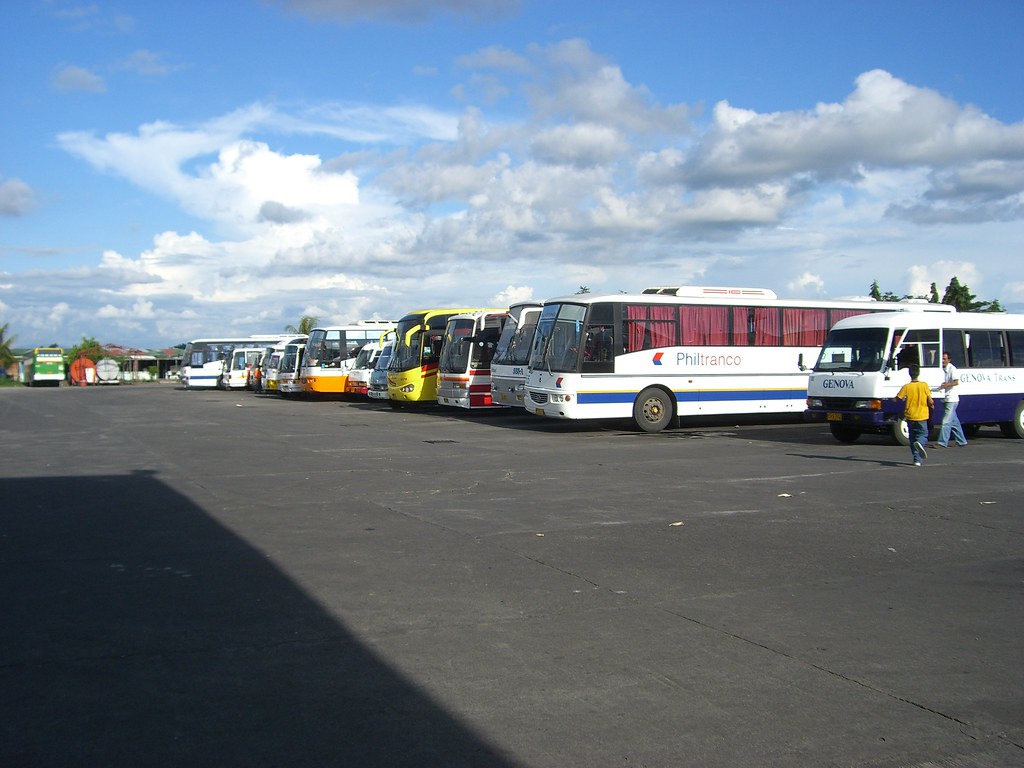
Naga integrated Bus terminal

Buses stop at bus stations. Trains Stop at Train Stations. On my desk is a work station.

I know a guy who wanted a career. It turns out he only wanted a paycheck.

In  filling out an application, where it says, "In case of an emergency, notify: He put DOCTOR.

Was Grandpa In The Military?